Home backup for day two and beyond
What if the power
is still out tomorrow?
I’m Tony Davis. Here in the Pacific Northwest, I’ve built my home backup one portable power station at a time. Here’s what I keep running the first night, and how I plan for the third or fourth morning.
Start with what you haveWhen the lights go out
What do you reach for first?
You might have a flashlight in a drawer, a power bank by the bed, or a battery that takes over the moment the grid drops. What can you do tonight with what you already own?
My starting point
One station. One panel.
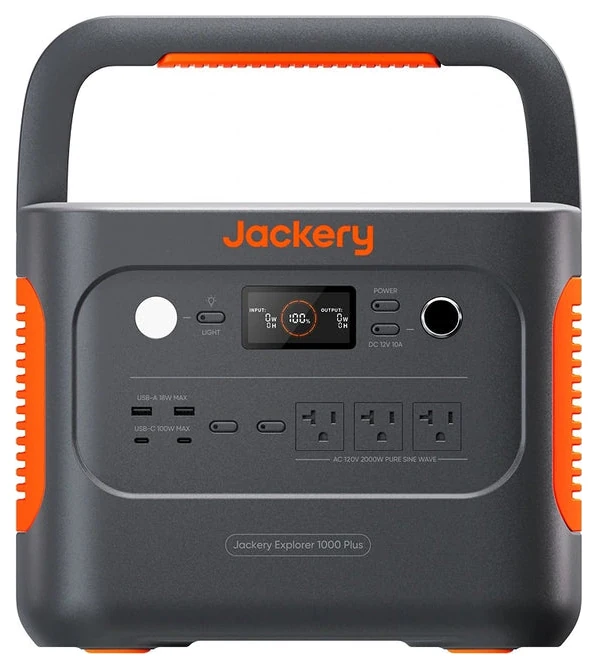
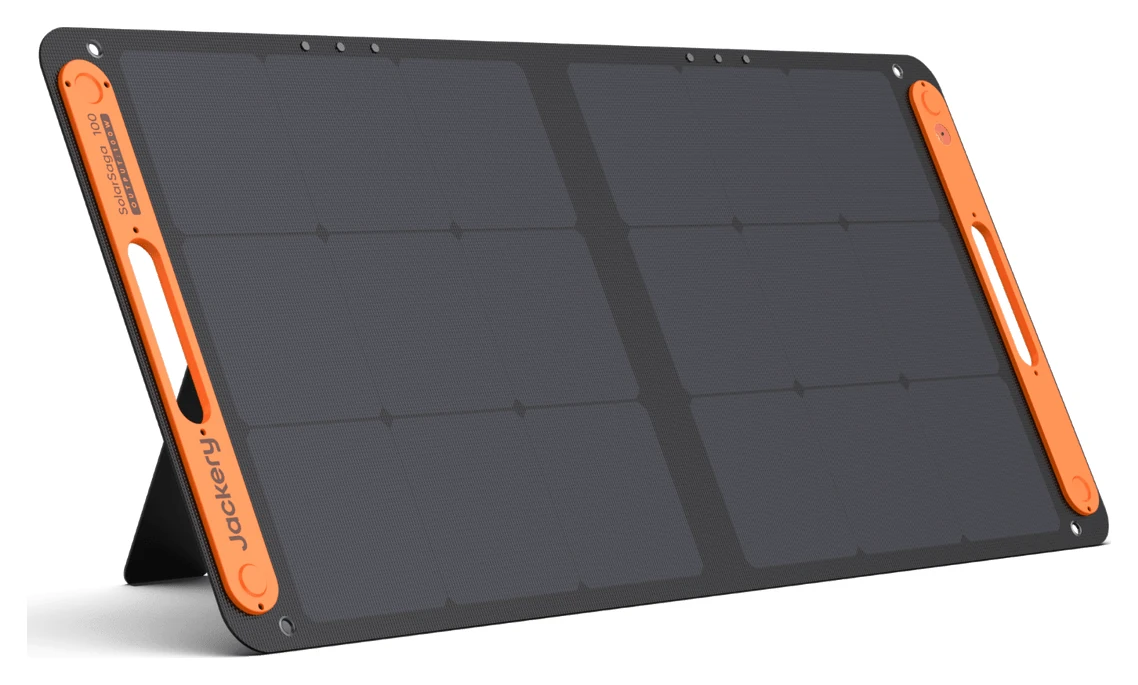
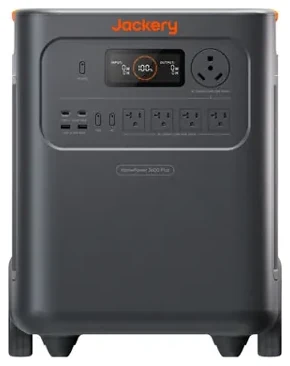
I call it my Legacy 1000 now. That station and a 100W panel were my entire setup. I plugged in the fridge and a couple of small things. Watching the charge fall, I figured the fridge alone might get me through the night. My next purchase was the HomePower 3600 Plus. For quite a while, those were my two stations.
The 24-hour outage
The fridge needed power. Did the printer?
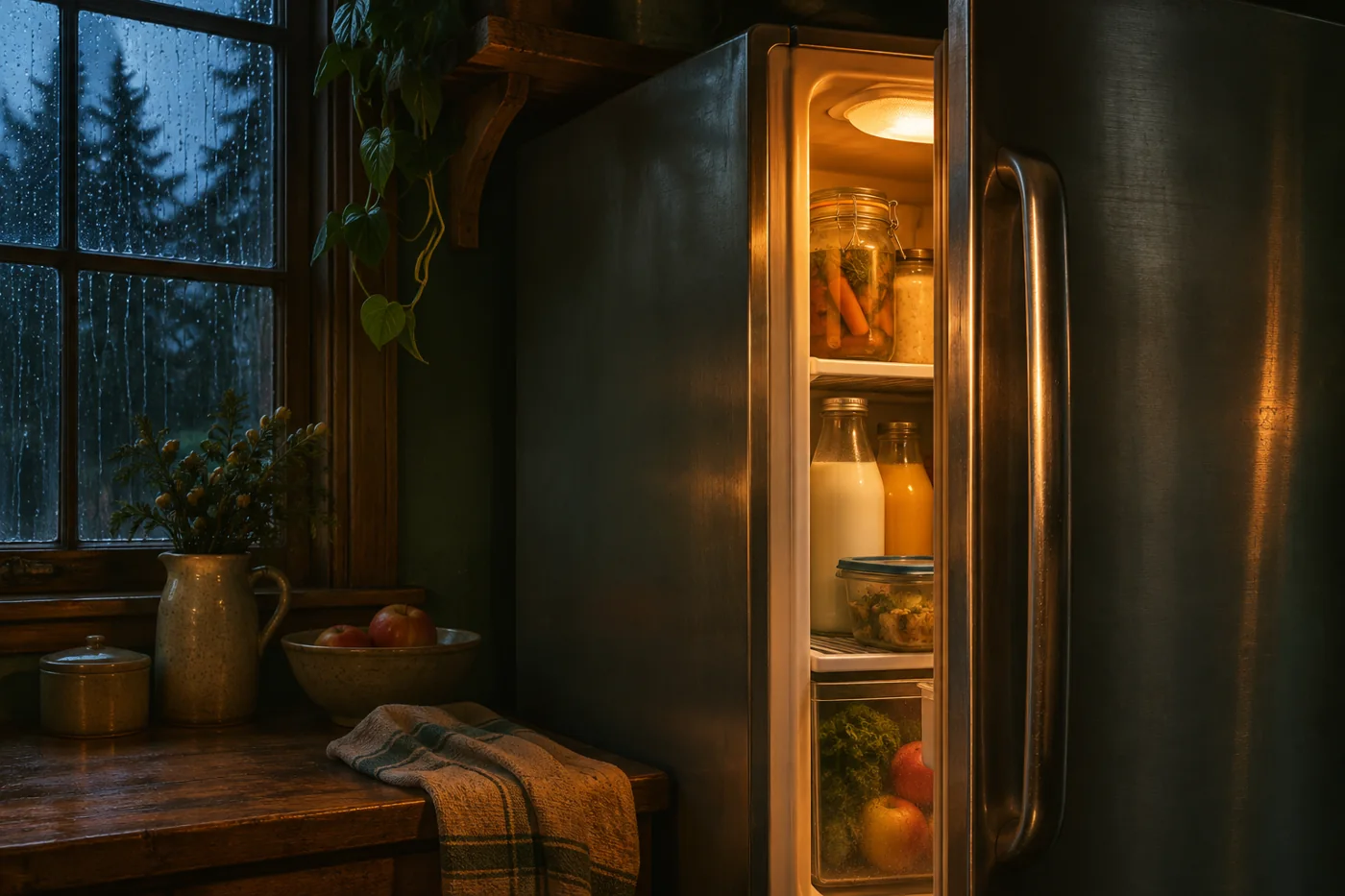
When we lost power for a full day, I plugged the fridge into the 3600. I also kept the main-floor office going. We work from home, so plugging in the laptops and the rest of the desk felt natural. For the first few hours, I pretty much carried on as usual.
Somewhere between hour 18 and hour 24, I looked at the battery. The 3600 still had charge. But seeing how much we’d used in one day made me look around the office again. I needed the fridge. I could pick which laptop to keep going. The printer could wait.
What if the power is still out tomorrow?
That’s where the question on this site came from. If I wanted that charge tomorrow, I had to decide what was worth plugging in today.
Planning for a longer outage
What if it lasts four days?
After that outage I could picture a fourth morning. An extra battery pack would buy me more time, but I’d still be spending the charge I started with. I wanted a way to put some back while the fridge and office were still in use.
One on duty. One ready to move.
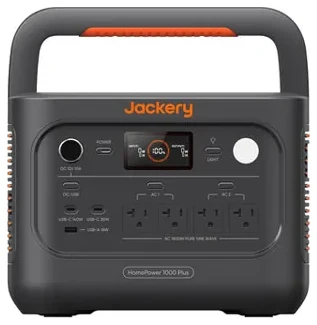
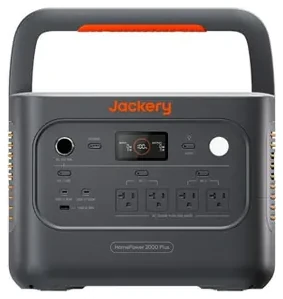
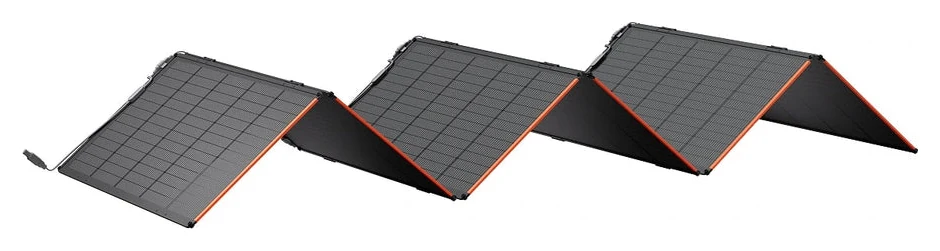
Roughly a year later, in fall 2026, I added those four stations and two 500-watt panel sets. Each station has its own inverter and outlets. A 2000 can back up my desk every day as a UPS, ready to take over when the grid drops. I keep another 2000, a 1000, and the 3600 in reserve.
What I’d do the next morning
I’d move the desk equipment to a charged spare, then recharge the station I’d just freed up. I bought the split-panel connectors and two 30-foot solar cables so the panels can sit outside while the stations stay indoors. How much charge I get back on a cloudy Northwest day determines what I can run that evening.
See my panel setup and rotation planPriorities for day two and beyond
What do you want to keep going?
Before I assign a battery to a room, I think through four jobs. In a winter outage, keeping us warm can move right to the top.
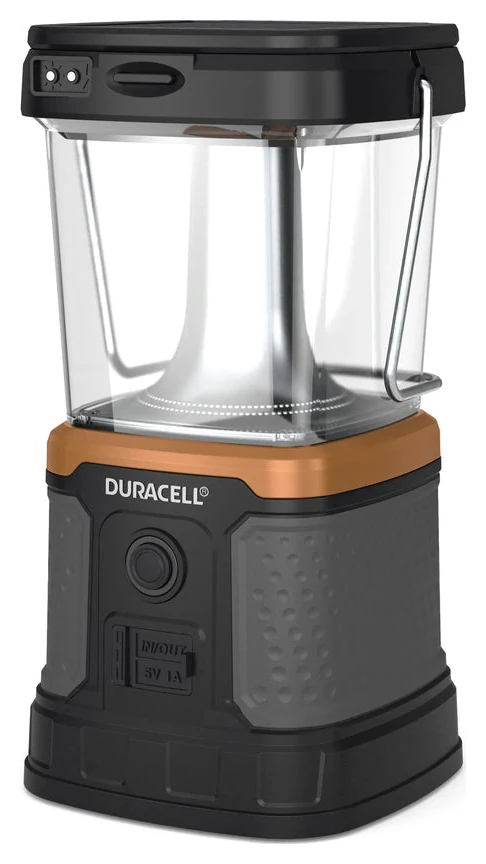
A Light the room you’re in.
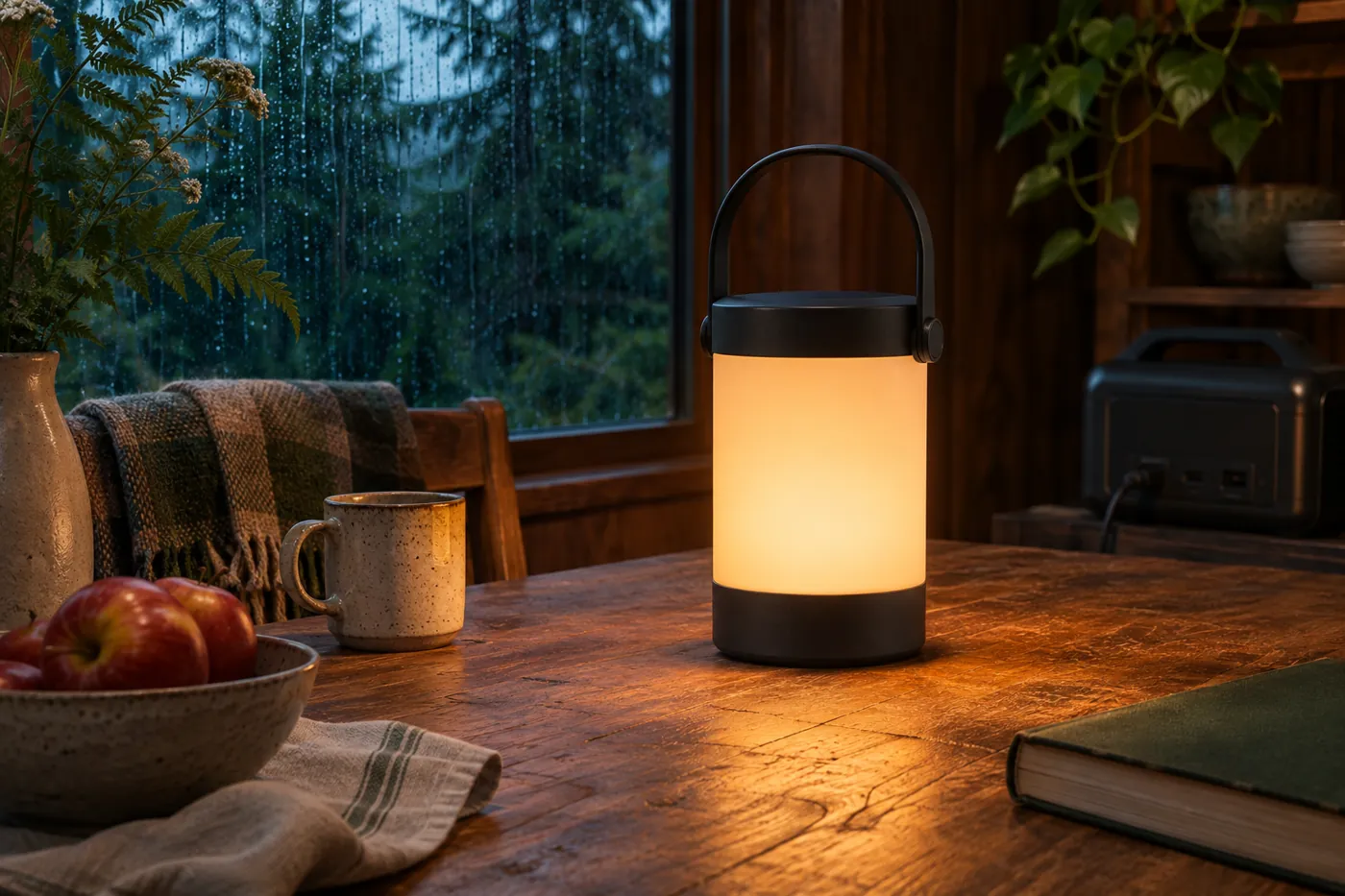
Carry a charged lantern to the kitchen. Dim it when you sit down. Bring out the USB-C power bank when the lantern needs a charge.
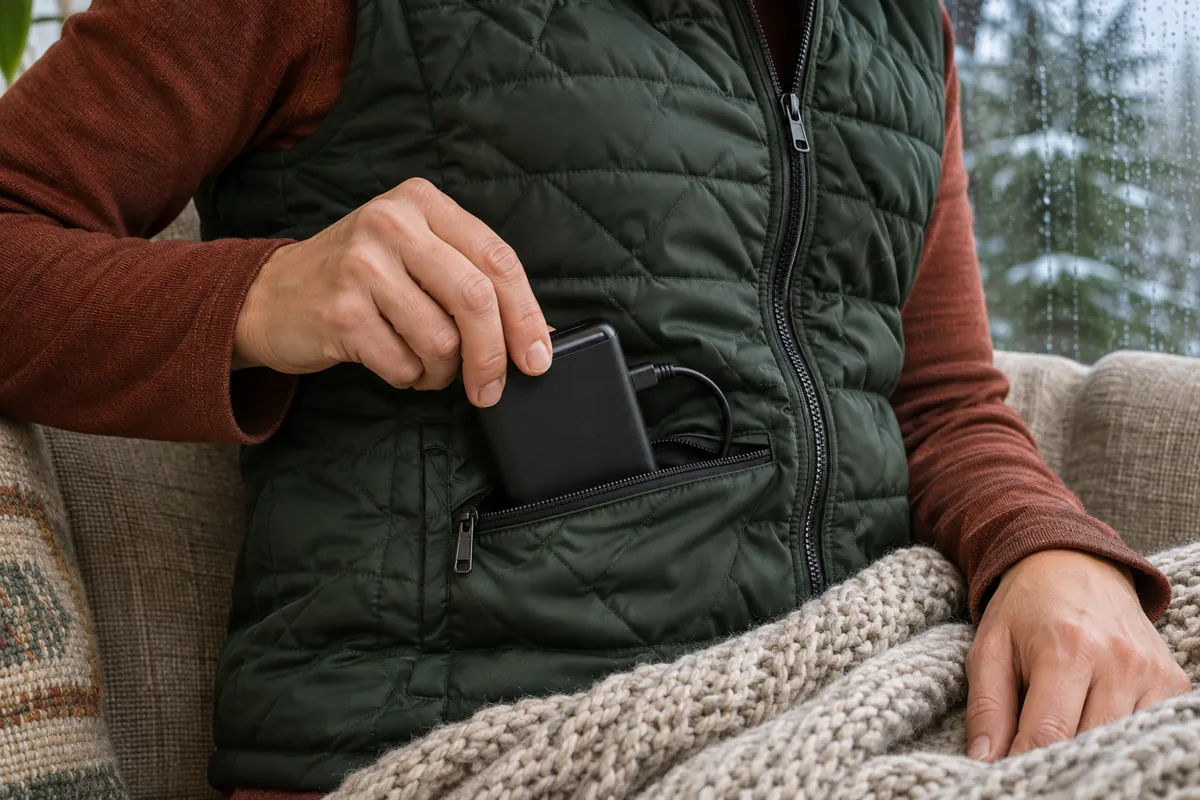
B Keep people warm.
A heated vest goes with me. At my desk, a heated blanket runs from its own battery pack. I can save the big station for the fridge.
See how I keep the blanket packs charged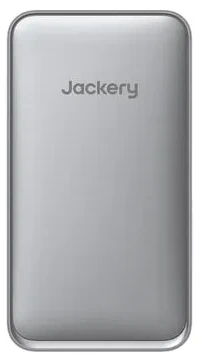
C Keep food cold.
Give the fridge a power source and check how much charge it uses over a few hours. That tells you more about tonight than a guess at runtime.
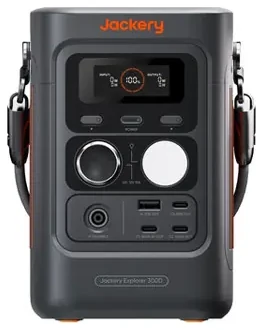
D Stay connected.
Set aside a pack for the phone. For home internet, account for both the router and the fiber box or modem that feeds it.
Read the label
What can this outlet actually run?
Pick up one of my Explorer 600 v2s and you’ll see three different numbers in the specs. Picture a water tank with a tap. How much it holds, how fast it can pour, and how briefly it can pour faster are three different things.
- Capacity
- 640 Wh
The size of the tank. Watt-hours tell you how much energy a full battery stores. A steady 50 W for two hours uses 100 Wh at the appliance. The battery supplies a little more to cover losses.
- Continuous AC output
- 500 W
The steady flow through the tap. This is the total power the AC outlets can supply together. Add the watts of everything you’ll run at the same time.
- Surge peak
- 1,000 W
A brief extra rush as a motor starts. After that moment, the load has to settle within 500 W. Both the height of the starting spike and how long it lasts matter.
Equipment references · Jackery Explorer 600 v2 manual · HomePower 1000 Plus v2 ratings · Cuisinart DCC-1120BKW spec sheet
Day Two Power guide
What are you trying to keep running?
Start with one thing you’d miss tomorrow. Tell the guide what it is, what gear you have, and how long you’d like it to last. Any brand is welcome.
Use this planning prompt in ChatGPT
Help me plan for a household power outage. I want to keep ___ running for ___ hours, and I already own ___. Start with what I have. Ask about my setup if you need more detail. Separate energy in watt-hours from running and startup power in watts. Label estimates, account for recharge, and suggest where the gear I own would be most useful. Keep our conversation focused on household backup power.
Winter outages · Warmth
Heat the person.
When I’m the only one at my desk, it’s my lap and shoulders that get cold. A ceramic or infrared space heater can draw 1,500 watts on high. I’d keep that option in reserve for when the room itself needs heat.
- Staying in one spot?
- I have two heated blankets, each with its own 10,000 mAh battery pack. I keep both packs charged. When I settle in at my desk, the pack goes with the blanket.
- Moving around?
- I wear a heated vest with its own charged pack. When the pack runs low, I recharge it from a USB-C station with the pack’s compatible charging cable. The big AC outlets stay free.
If the house gets too cold for us to stay warm, we head somewhere heated. A vest only warms the person wearing it.
Keeping the blankets ready
Where do the packs get their next charge?
When a blanket pack runs low, I take the pack to an Explorer 100D or 300D and recharge it over USB. The office station can stay at the desk. The other blanket is ready with its own charged pack.
Follow the charge through my fleet →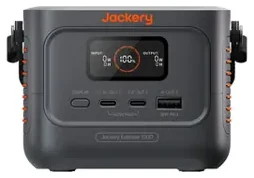
Room by room
Where the power goes now.
Tony’s equipment
What’s in my fleet?
Here’s where the gear fits today. Some stations back up equipment every day and some stay charged for a swap.
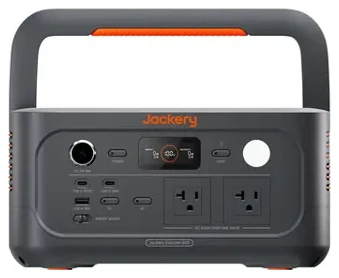
Solar panels
From my setup
Field notes
What earns a spot in my house, where I keep it, and what I reach for when the lights go out.
Portable lightingHow I light a room during an outageRead notePersonal devicesWhat I keep charged with four Explorer 100DsRead noteIndependent invertersWhy I chose separate power stationsRead note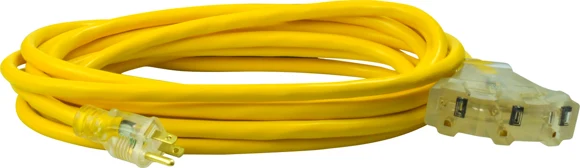 Extension cordsWhy I keep three 25-foot extension cordsRead noteSolar rechargeWhere does tomorrow’s charge come from?Read note
About the author
Tony Davis
Pacific Northwest
I’ll admit it. I’m a Jackery fanboy. I work from home in the Pacific Northwest, and I bought my first station to keep the fridge running. These days one of the units I reach for most often fits in my hand. I can bring an Explorer 100D to the couch to charge a blanket’s battery pack and leave the big station where it is. That’s the kind of thing I come here to write about.
If you use Anker, BLUETTI, EcoFlow, or a couple of USB power banks, you’re welcome here. I’d love for you to come away knowing what you can already do if the lights go out tonight.